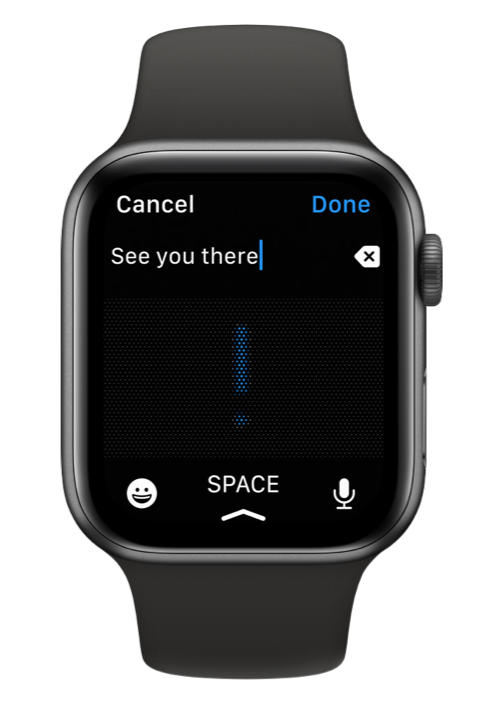
Watch App

 Featured in "Apps We Love"

This is the best app. I use it so many times throughout the day.
Don - Trenton Jan 24, 2022
I really like the idea that I can dictate myself emails from the watch.
I tried different apps to send notes to myself and this is the one that works the best.
Open
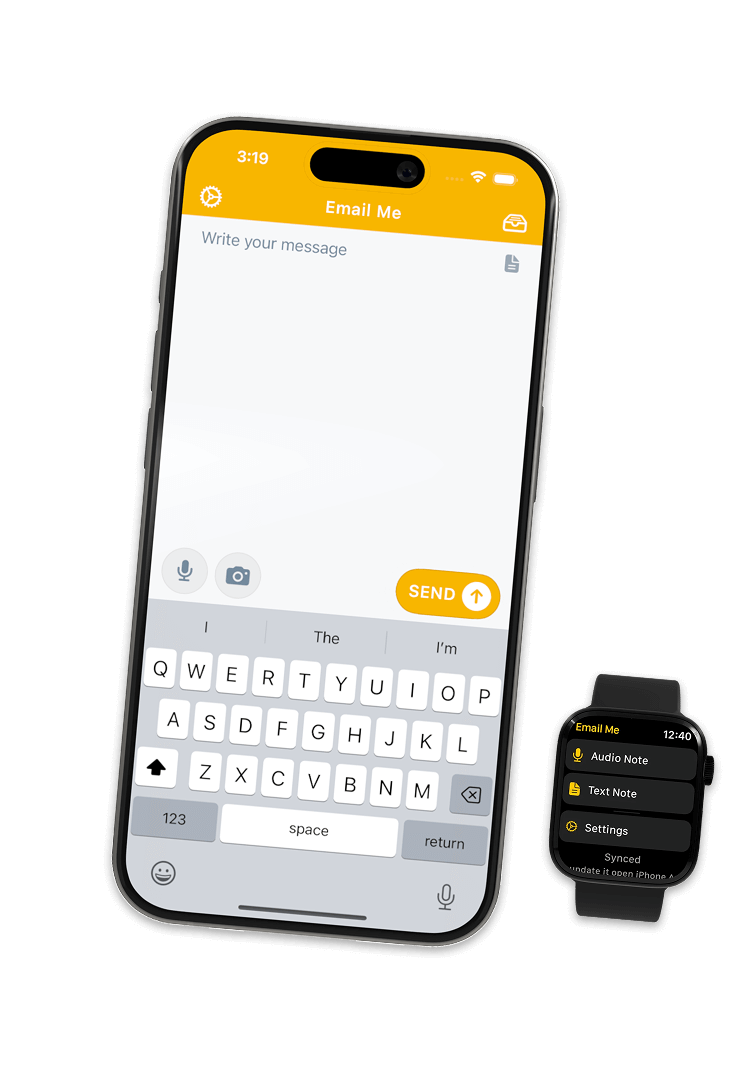
Launch instantly from the widget, Siri, or the share sheet. No menus, no waiting.
Write or speak
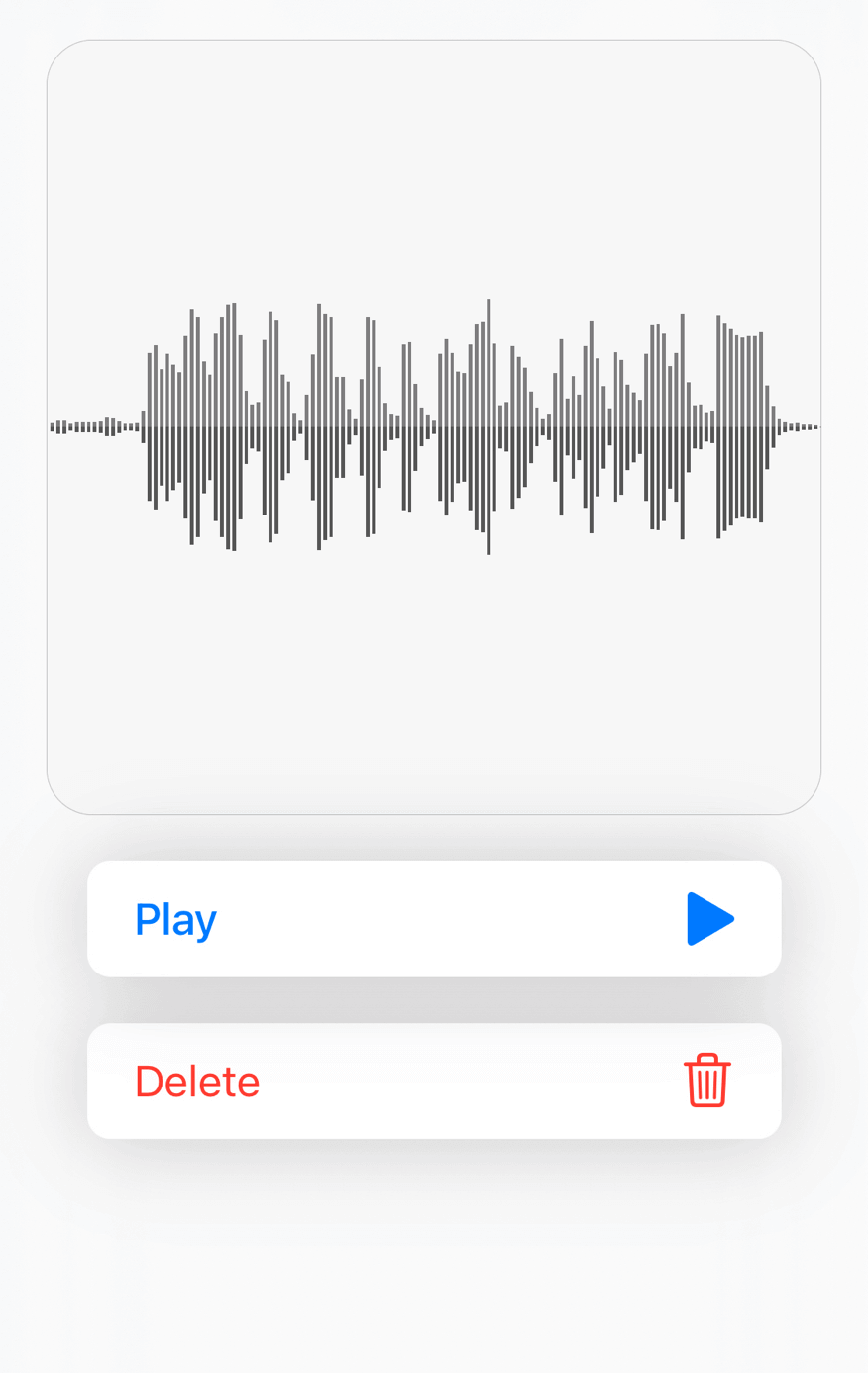
Type a quick note or record a voice memo, and Email Me transcribes it for you.
Send
One tap and it lands in your inbox. Done, back to what you were doing.
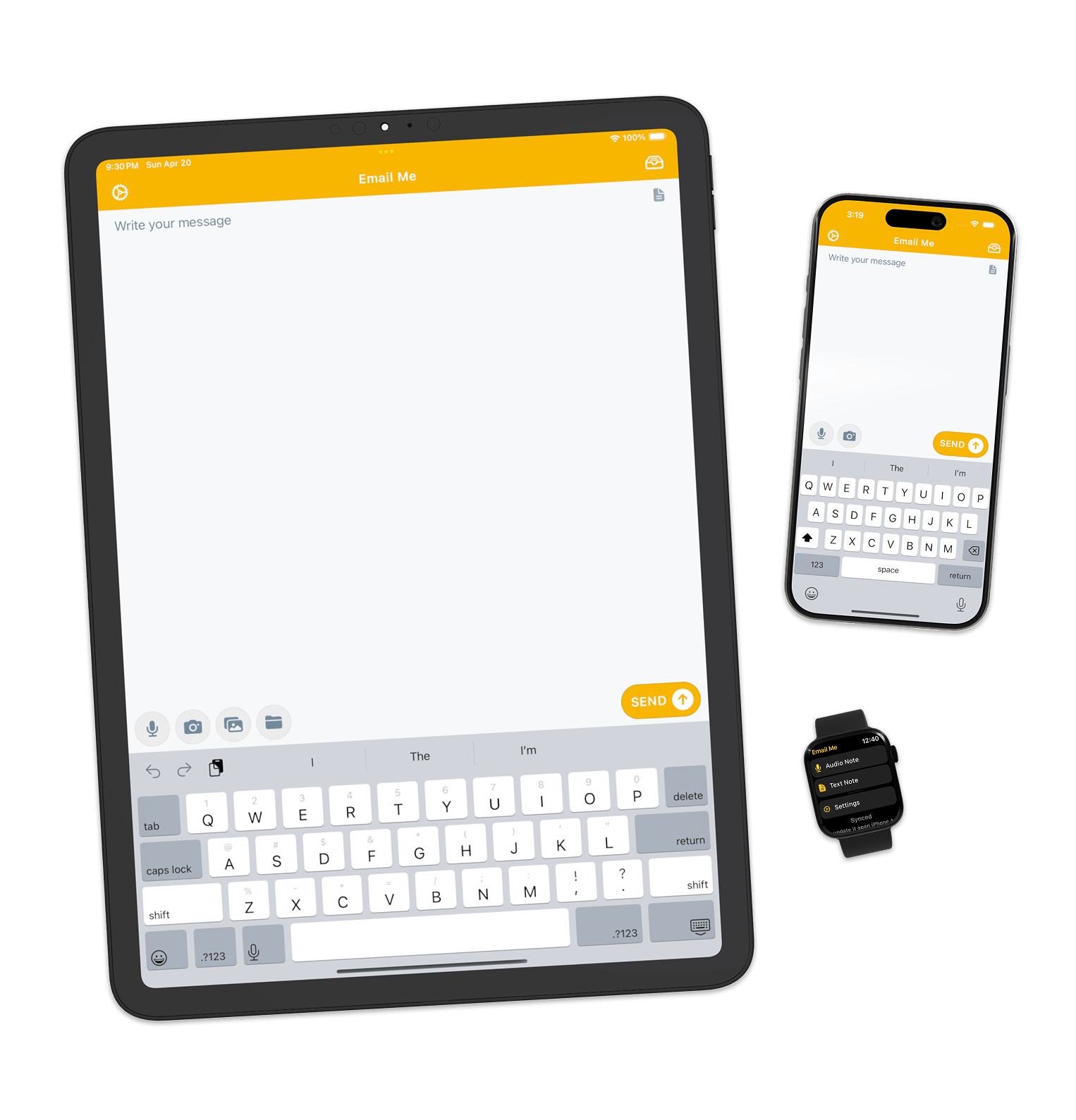
Watch App
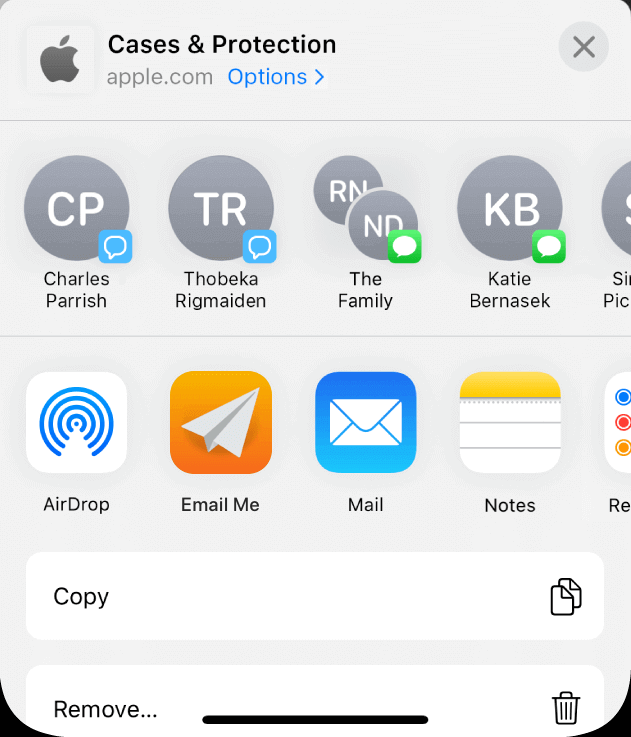
Handy Share Extension
Hey Siri! Send a message using Email Me App
Widgets
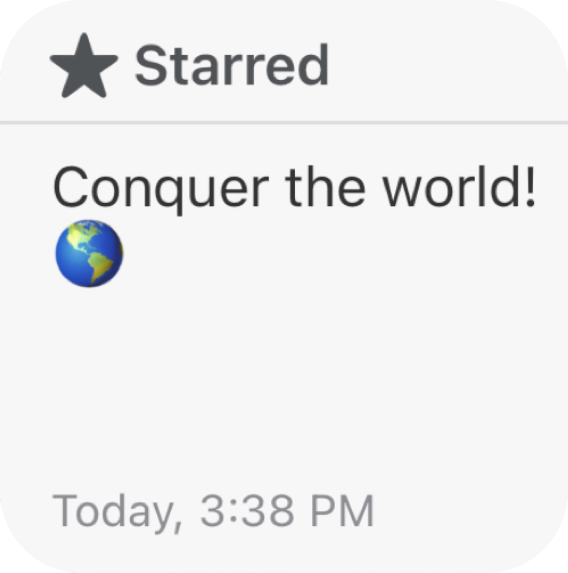
See your notes History

Designed with Accessibility in Mind

Voice to Email: Record and Transcribe
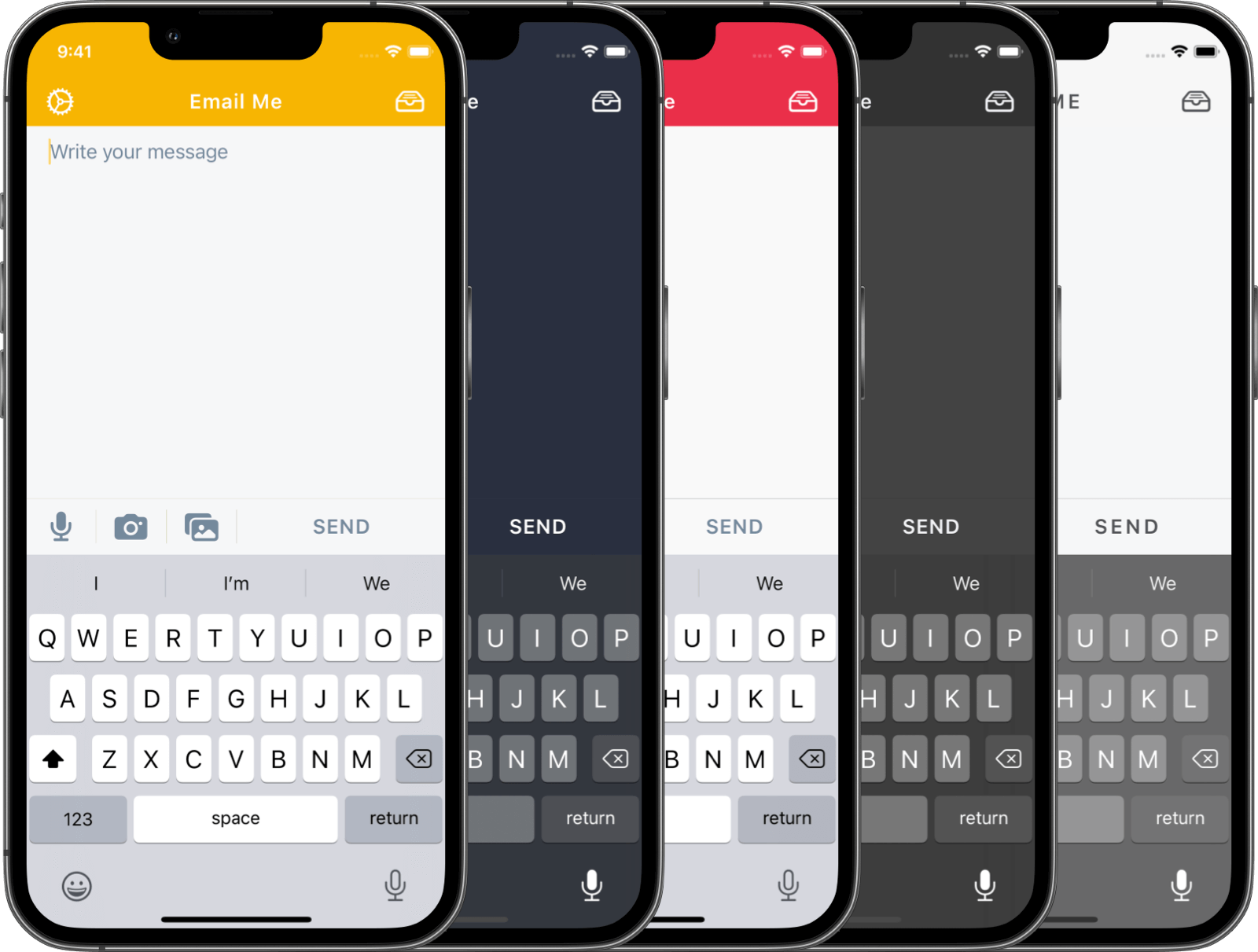
Beautiful Themes
Every plan unlocks all Premium features
Free to download. Prices shown in USD and may vary by region. Subscriptions renew automatically until cancelled; manage or cancel anytime in your App Store settings.
Email Me is a fast note-to-self app that lets you send notes, voice memos, images, links, clipboard text, and more directly to your email inbox.
It's made for quick capture, so you don't lose ideas, reminders, tasks, or thoughts while you're busy.
Yes. Emailing yourself is one of the simplest ways to capture notes, reminders, links, and files — just put your own address in the "To" field of any email app.
Email Me removes even that step: it remembers your address, so a note, photo, or voice memo lands in your inbox in one tap.
In the Mail app: tap compose, type your own email address, add your note, and send. That works, but it takes five or six taps every time.
With Email Me you set your address once, then send yourself notes, voice memos, photos, or links in one or two taps — from the app, a widget, Siri, or the share sheet.
Yes. You can record audio notes and send them to your email.
Email Me can also transcribe your voice notes, so you receive both the audio and the written version.
Yes. Email Me works on Apple Watch, so you can quickly record or send notes from your wrist.
There are different Watch options, including text notes and audio notes. For voice recording, make sure you add the audio note complication.
Yes. Email Me supports AI-powered transcription for audio notes and voice memos.
This is useful when you want to speak your thoughts quickly and still receive a written version in your email.
Yes. You can configure multiple recipients, so your notes can be sent to one or more email addresses.
This is useful if you want to send notes to your personal email, work email, an assistant, or another app that accepts emails.
Yes. Email Me includes an option to use your own SMTP configuration.
This gives you more control over how your emails are sent.
To add one, open Settings, tap a recipient under Recipients, then tap Send via near the bottom of the recipient screen and choose Add a new SMTP setting to enter your host, port, and login details.
Yes. Email Me supports Siri and Shortcuts, so you can automate note sending or trigger specific actions faster.
For example, you can create shortcuts for sending a quick note, starting a recording, or capturing something with less friction.
Yes. You can send images from your camera or photo library, links, copied text, and clipboard content quickly.
This is handy for saving screenshots, links, copied text, ideas, tasks, and anything else you want to keep in your inbox.
Yes. Email Me is available across Apple devices, including iPhone, iPad, Mac, Apple Watch, and Apple Vision Pro.
Some features may depend on the device and platform.
Email Me is a free download with in-app purchases. Premium features are unlocked with a subscription or a one-time lifetime purchase.
I know fully free apps are nice, but in reality they often don't make enough money to survive long-term. Email Me is built and maintained by me, Manuel, as an indie developer.
I spend a lot of time improving the app, adding feature requests, fixing issues, and helping users directly. The goal is to keep making Email Me faster, more reliable, and more useful for people who love productivity and quick capture as much as I do.
So there is a paid tier because I want the app to keep existing, keep improving, and provide a great experience with the resources I have.
Still have questions? Visit the Help Center.